Tartan grid parameters and their effect
Try various settings to get a feeling for the effect the different parameters have on the resulting tartan design. Be aware that the pattern may not be entirely as expected due to the combined effect of the settings on hydraulic fractures and XZ and YZ natural fractures.
If you change the tartan design with the parameters in the Tartan view, you do not change the underlying Fracture Definition. To update the Tartan view, click Update cell dimensions. If you, however, change a setting in the Fracture Definition form, for instance Min drainage surface area or Distance between stages, you change the fracture definition. Click Apply or OK to update the Tartan view.
The images below illustrate the effect of changing cell size parameters.

Original cell size parameters click to enlarge
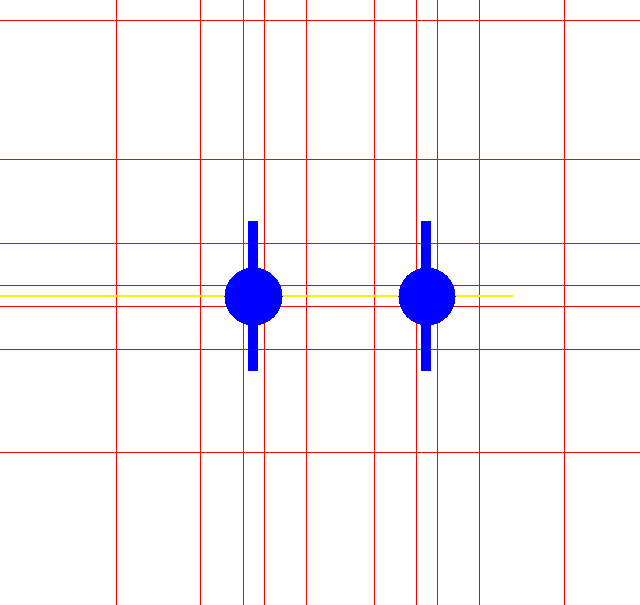
Grid with original cell size parameters click to enlarge
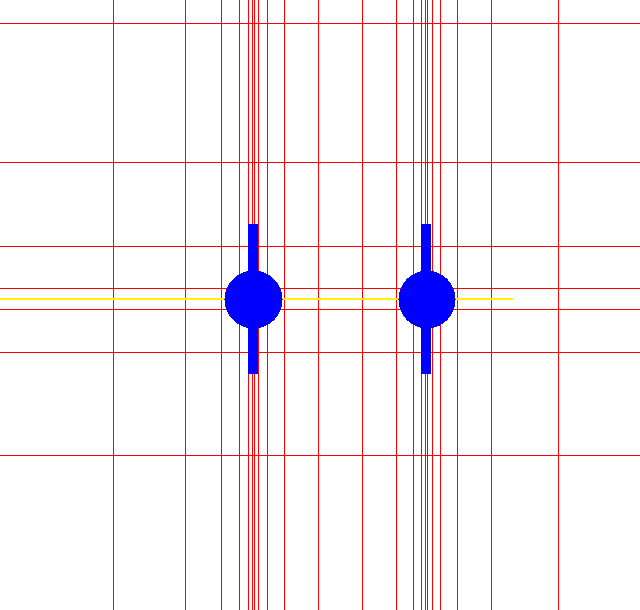
Grid with cell size changed to 5 in direction perpendicular to fracture p click to enlarge
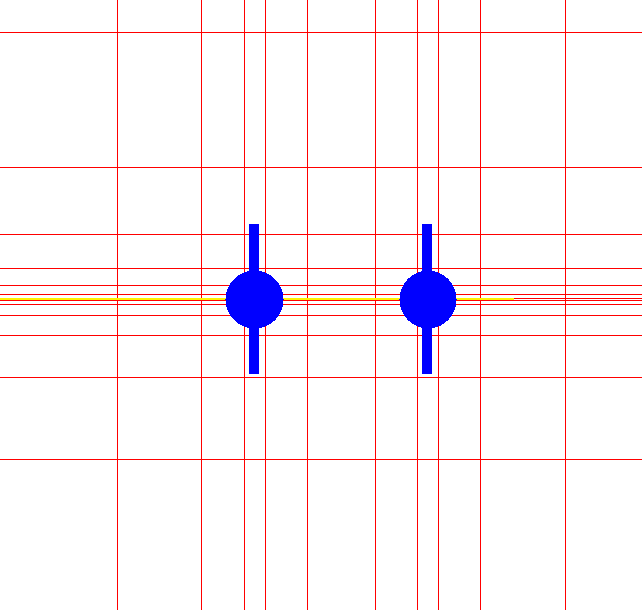
Grid with cell size changed to 5 in direction parallel to fracture p click to enlarge

Original cell size parameters click to enlarge
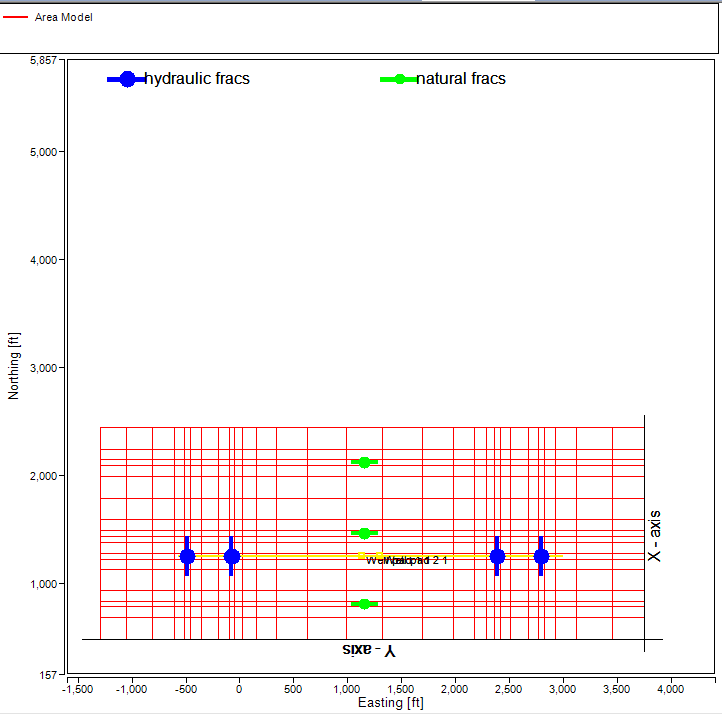
Grid with original cell size parameters click to enlarge
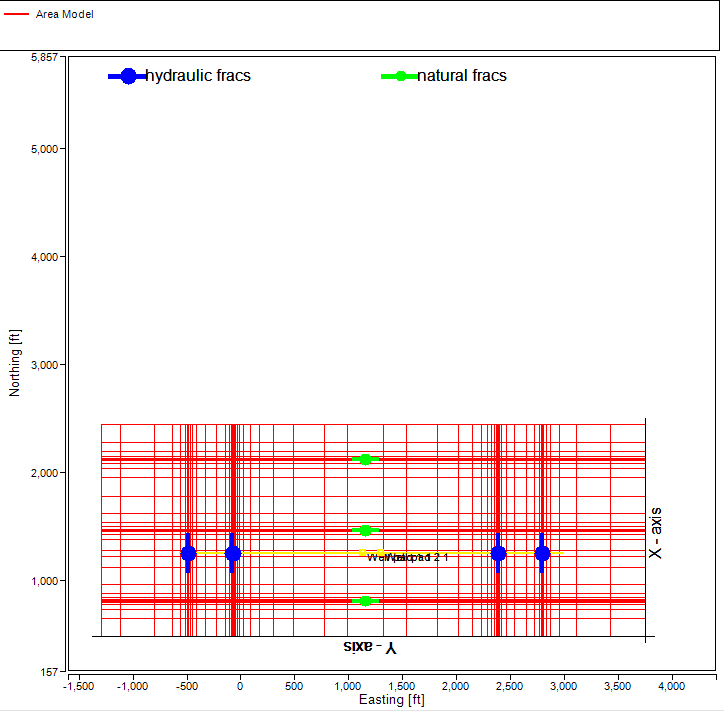
Cell size changed to 5 in perpendicular direction. The cell size parameters apply to all fractures click to enlarge